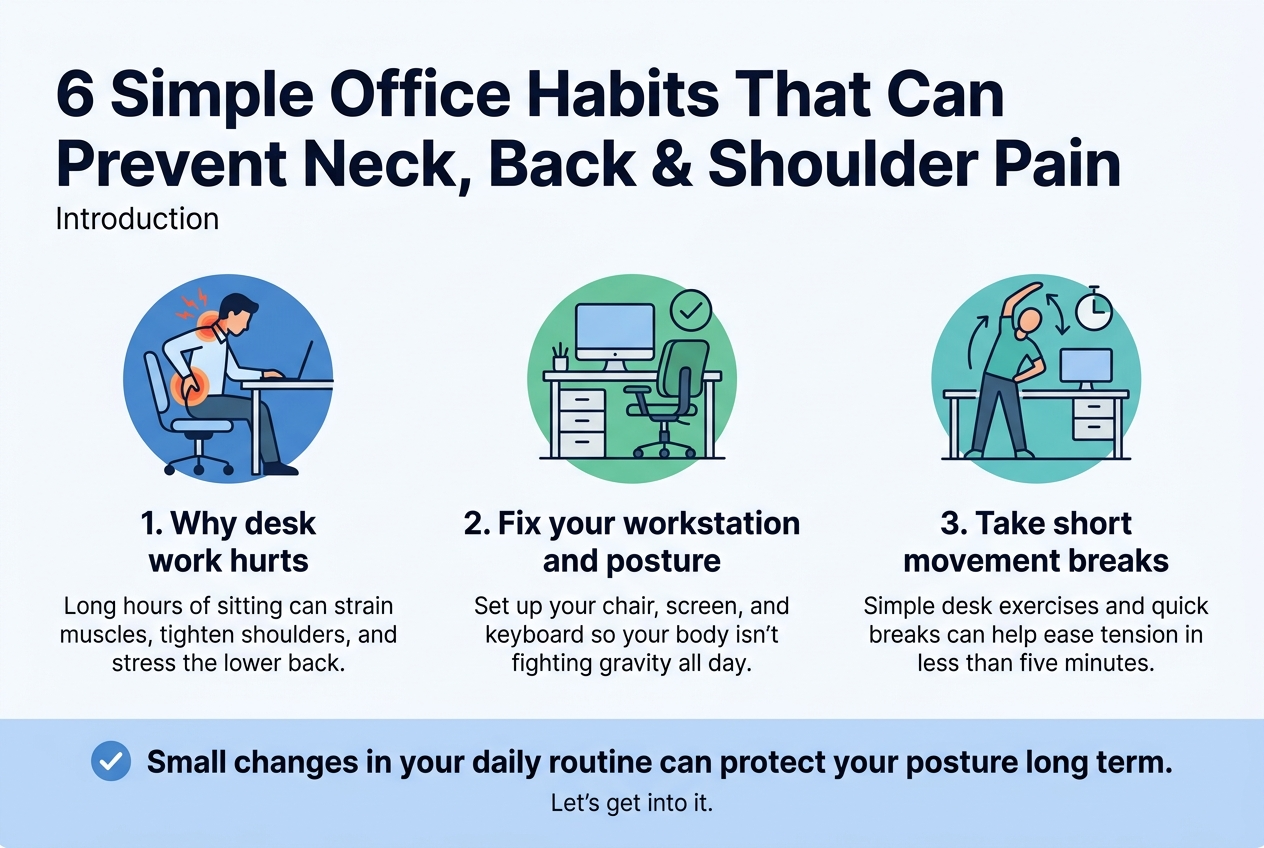
6 Simple Office Habits That Can Prevent Neck, Back & Shoulder Pain
If you spend most of your day sitting at a desk, there’s a good chance you’ve felt that familiar ache in your neck, tightness across your shoulders, or a dull throb in your lower back by the end of the day. You’re not alone — and no, it’s not just because you “slept wrong.”
This guide is written for office workers, remote employees, and anyone whose job keeps them parked in a chair for hours on end. Whether you’re dealing with back pain from sitting all day or that nagging neck pain from computer work that just won’t quit, these six office habits to prevent back, neck, and shoulder pain are practical, easy to start, and don’t require any fancy equipment.
Here’s what we’ll walk through together:
- Why desk work quietly wrecks your body — and what’s actually going on with your muscles and posture
- How to set up your workstation and fix your sitting posture so your body isn’t fighting gravity all day
- Simple desk exercises and movement breaks that take less than five minutes but make a real difference
Small changes in your daily routine can protect your posture long term — and save you from pain that gets harder to ignore over time. Let’s get into it.
Understand Why Office Work Causes Pain
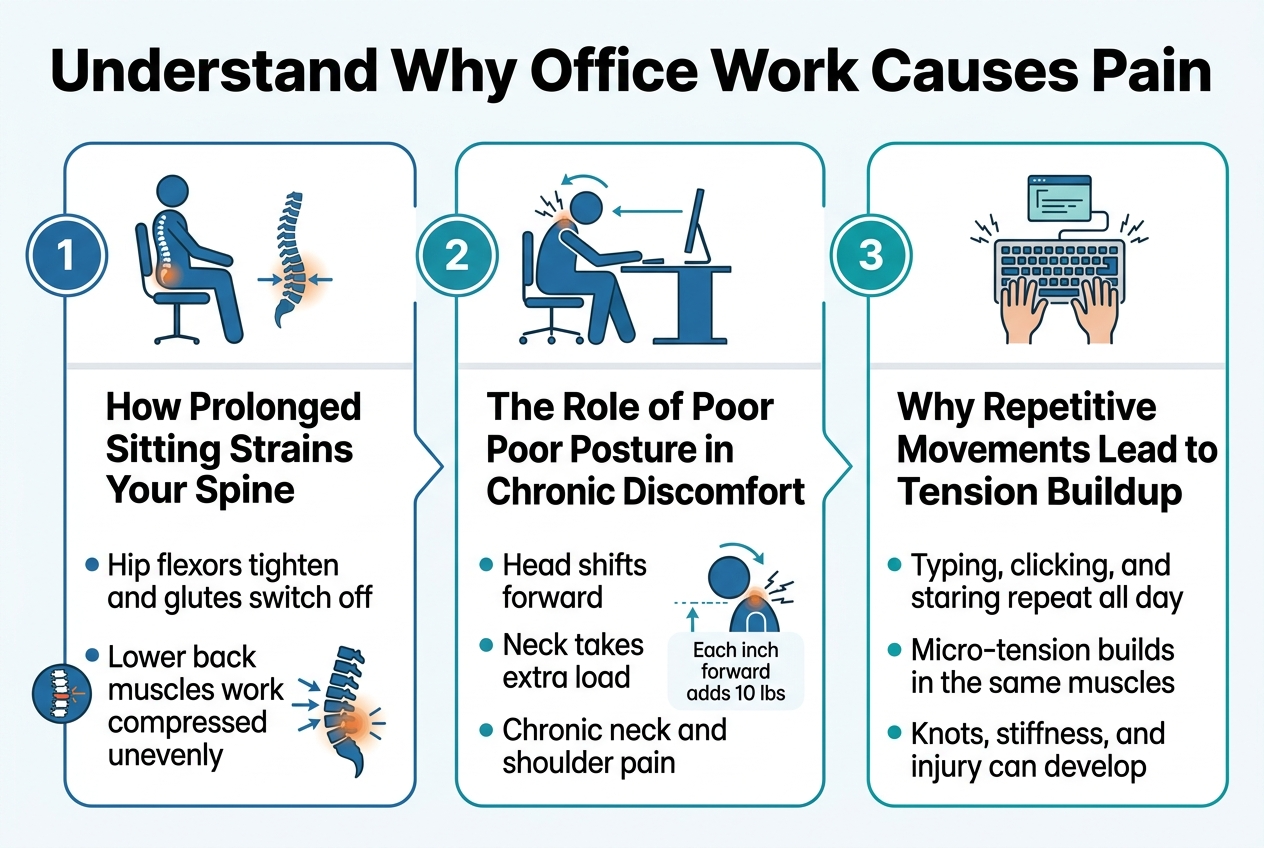
How Prolonged Sitting Strains Your Spine and Muscles
Sitting for hours sounds harmless, but your spine disagrees. When you stay in one position too long, the discs between your vertebrae get compressed unevenly, reducing their ability to absorb shock. Your hip flexors tighten, your glutes switch off, and the muscles supporting your lower back start working overtime — eventually leading to that familiar dull ache from sitting all day.
The Role of Poor Posture in Chronic Discomfort
Slouching forward shifts your head in front of your shoulders. For every inch your head moves forward, your neck muscles bear an extra 10 pounds of load. Over time, this creates chronic neck pain from computer work and persistent shoulder pain from desk work. Poor posture essentially trains your muscles into dysfunction — and they stay that way long after you leave the office.
Why Repetitive Movements Lead to Tension Buildup
Typing, clicking, and staring at a screen — you do these on repeat, every single day. These small, repetitive movements create micro-tension in the same muscle groups continuously. Without breaks or stretching, that tension accumulates into knots, stiffness, and eventually injury. This is one of the most overlooked reasons office workers end up needing physiotherapy for office-related pain.
Set Up an Ergonomic Workstation to Support Your Body
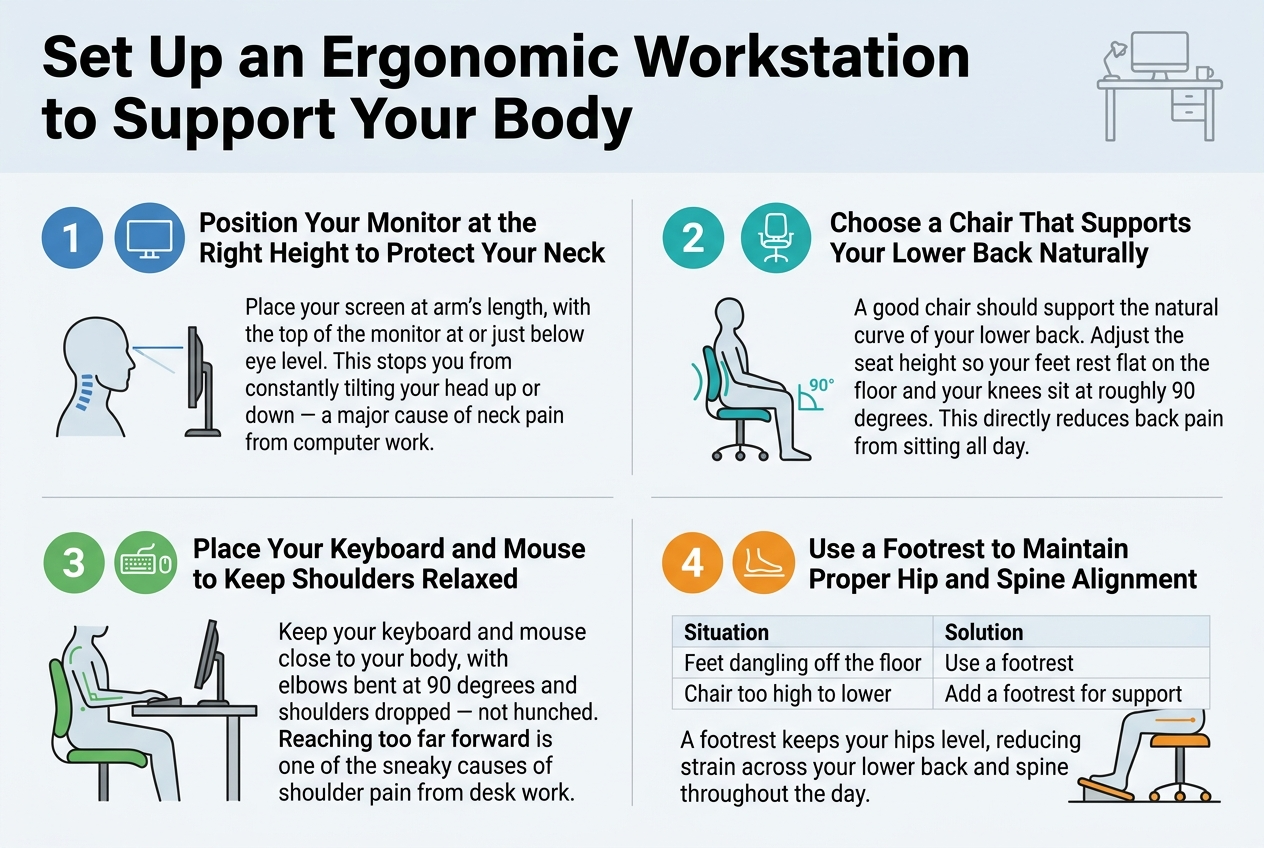
Position Your Monitor at the Right Height to Protect Your Neck
Place your screen at arm’s length, with the top of the monitor at or just below eye level. This stops you from constantly tilting your head up or down — a major cause of neck pain from computer work.
Choose a Chair That Supports Your Lower Back Naturally
A good chair should support the natural curve of your lower back. Adjust the seat height so your feet rest flat on the floor and your knees sit at roughly 90 degrees. This directly reduces back pain from sitting all day.
Place Your Keyboard and Mouse to Keep Shoulders Relaxed
Keep your keyboard and mouse close to your body, with elbows bent at 90 degrees and shoulders dropped — not hunched. Reaching too far forward is one of the sneaky causes of shoulder pain from desk work.
Use a Footrest to Maintain Proper Hip and Spine Alignment
| Situation | Solution |
|---|---|
| Feet dangling off the floor | Use a footrest |
| Chair too high to lower | Add a footrest for support |
A footrest keeps your hips level, reducing strain across your lower back and spine throughout the day.
Master the Art of Sitting With Correct Posture
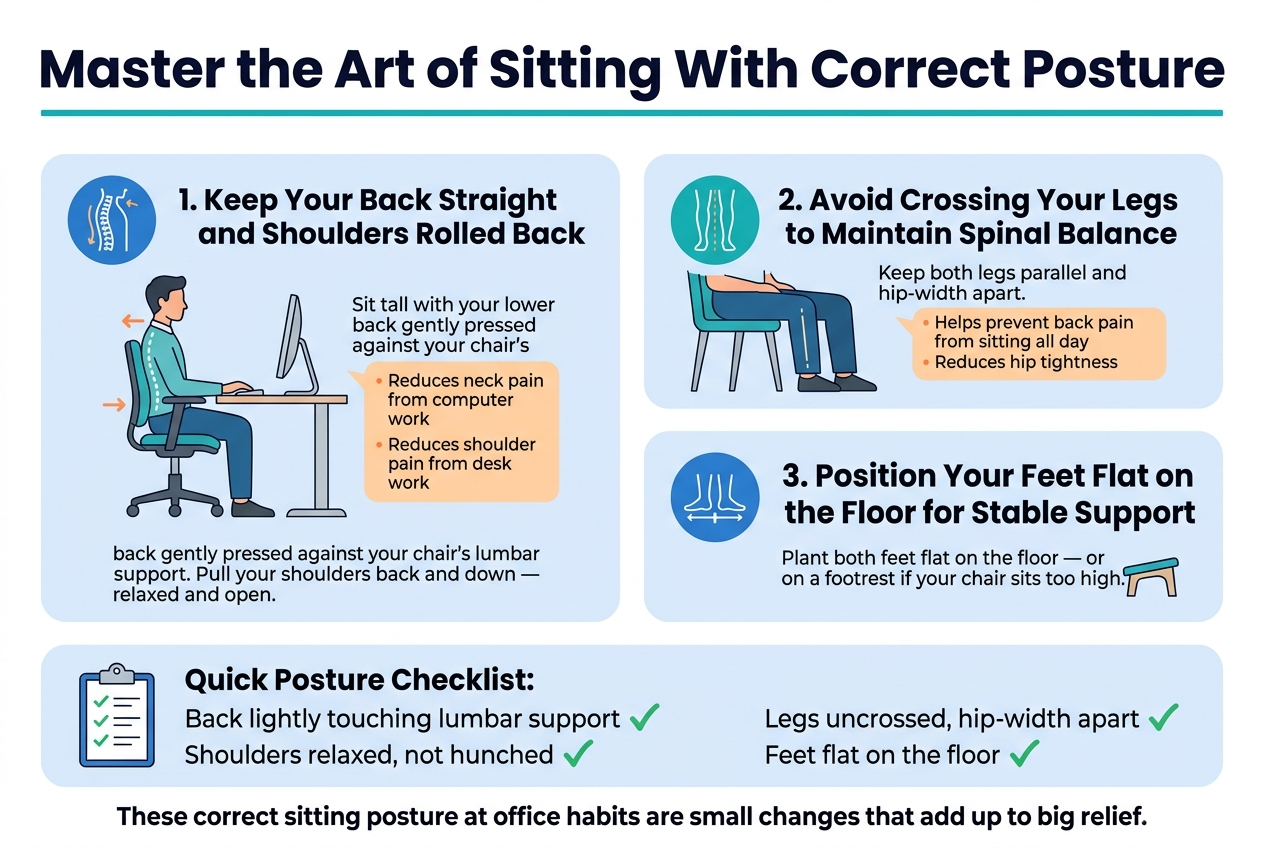
Keep Your Back Straight and Shoulders Rolled Back
Slouching feels comfortable in the moment, but it quietly loads your spine with uneven pressure all day long. Sit tall with your lower back gently pressed against your chair’s lumbar support. Pull your shoulders back and down — not stiff like a soldier, just relaxed and open. This single adjustment dramatically reduces neck pain from computer work and shoulder pain from desk work.
Avoid Crossing Your Legs to Maintain Spinal Balance
Crossing your legs tilts your pelvis and twists your lower spine, throwing everything out of alignment. Over hours, this leads to back pain from sitting all day and hip tightness that creeps into your lower back. Keep both legs parallel and hip-width apart instead.
Position Your Feet Flat on the Floor for Stable Support
Your feet are your foundation. When they dangle or rest on tiptoe, your entire lower body loses stability, which ripples up into your back and shoulders. Plant both feet flat on the floor — or on a footrest if your chair sits too high.
Quick Posture Checklist:
- Back lightly touching lumbar support ✓
- Shoulders relaxed, not hunched ✓
- Legs uncrossed, hip-width apart ✓
- Feet flat on the floor ✓
These correct sitting posture at office habits are small changes that add up to big relief.
Take Regular Movement Breaks to Release Muscle Tension
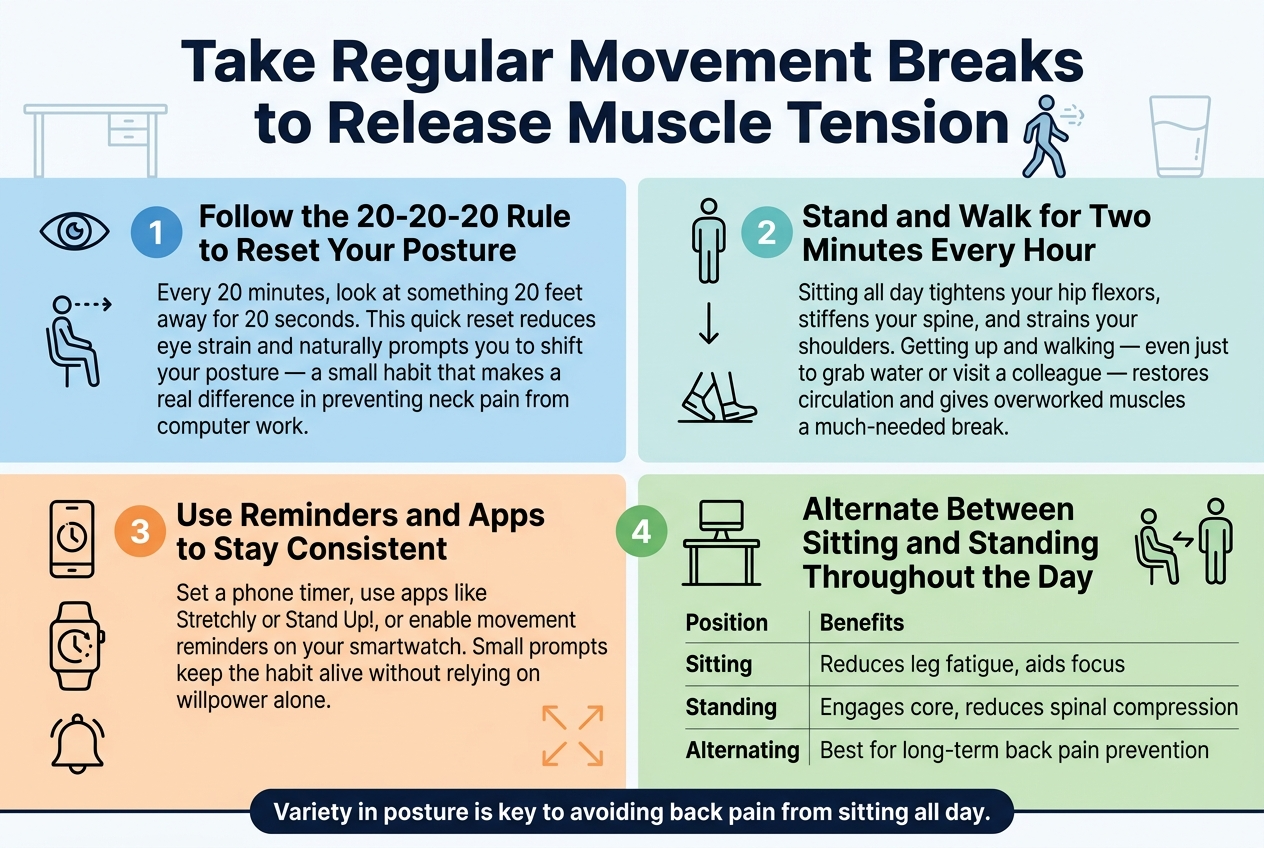
A. Follow the 20-20-20 Rule to Reset Your Posture
Every 20 minutes, look at something 20 feet away for 20 seconds. This quick reset reduces eye strain and naturally prompts you to shift your posture — a small habit that makes a real difference in preventing neck pain from computer work.
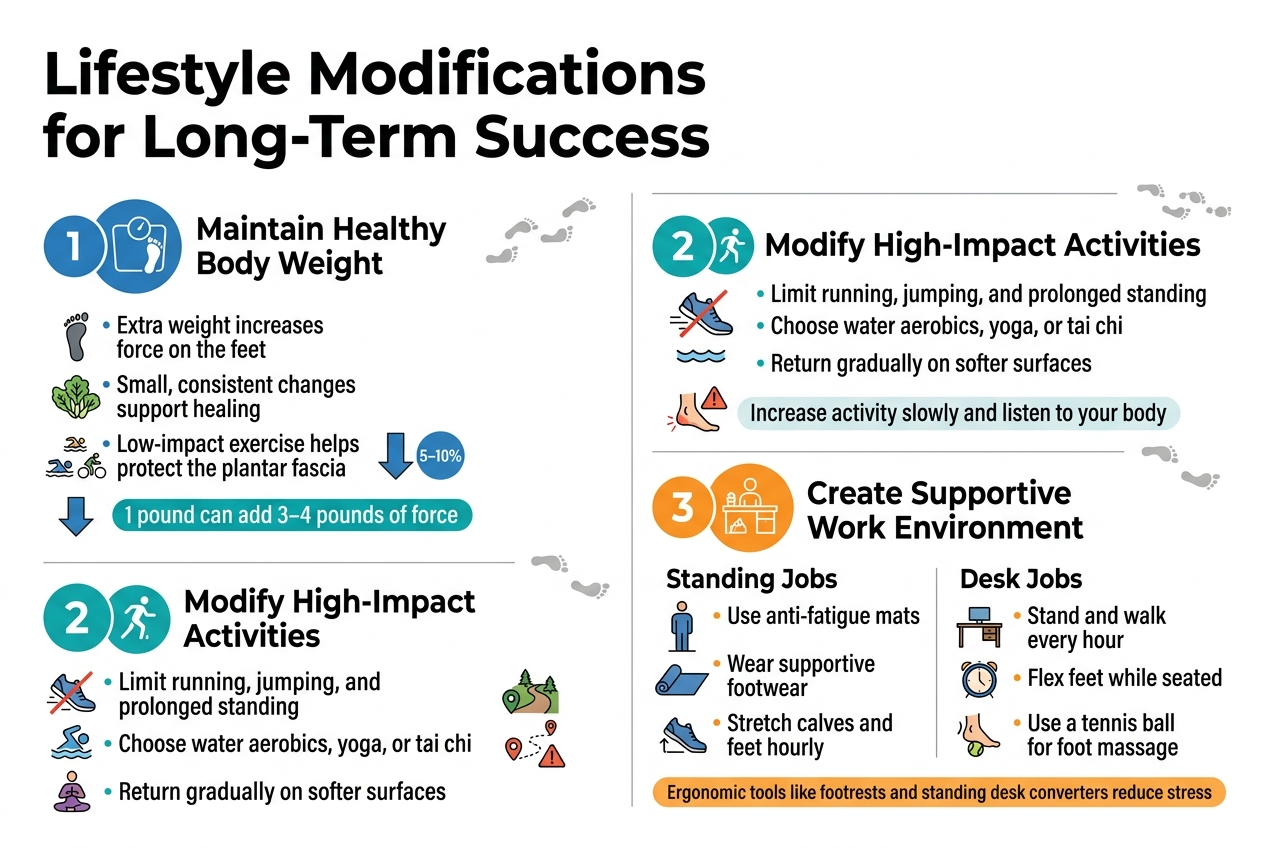
B. Stand and Walk for Two Minutes Every Hour
Sitting all day tightens your hip flexors, stiffens your spine, and strains your shoulders. Getting up and walking — even just to grab water or visit a colleague — restores circulation and gives overworked muscles a much-needed break.
C. Use Reminders and Apps to Stay Consistent
Consistency is where most people struggle. Set a phone timer, use apps like Stretchly or Stand Up!, or enable movement reminders on your smartwatch. Small prompts keep the habit alive without relying on willpower alone.
D. Alternate Between Sitting and Standing Throughout the Day
| Position | Benefits |
|---|---|
| Sitting | Reduces leg fatigue, aids focus |
| Standing | Engages core, reduces spinal compression |
| Alternating | Best for long-term back pain prevention |
A sit-stand desk makes this easy, but even standing during phone calls counts. Variety in posture is key to avoiding back pain from sitting all day.
Perform Simple Desk Stretches to Relieve Tightness
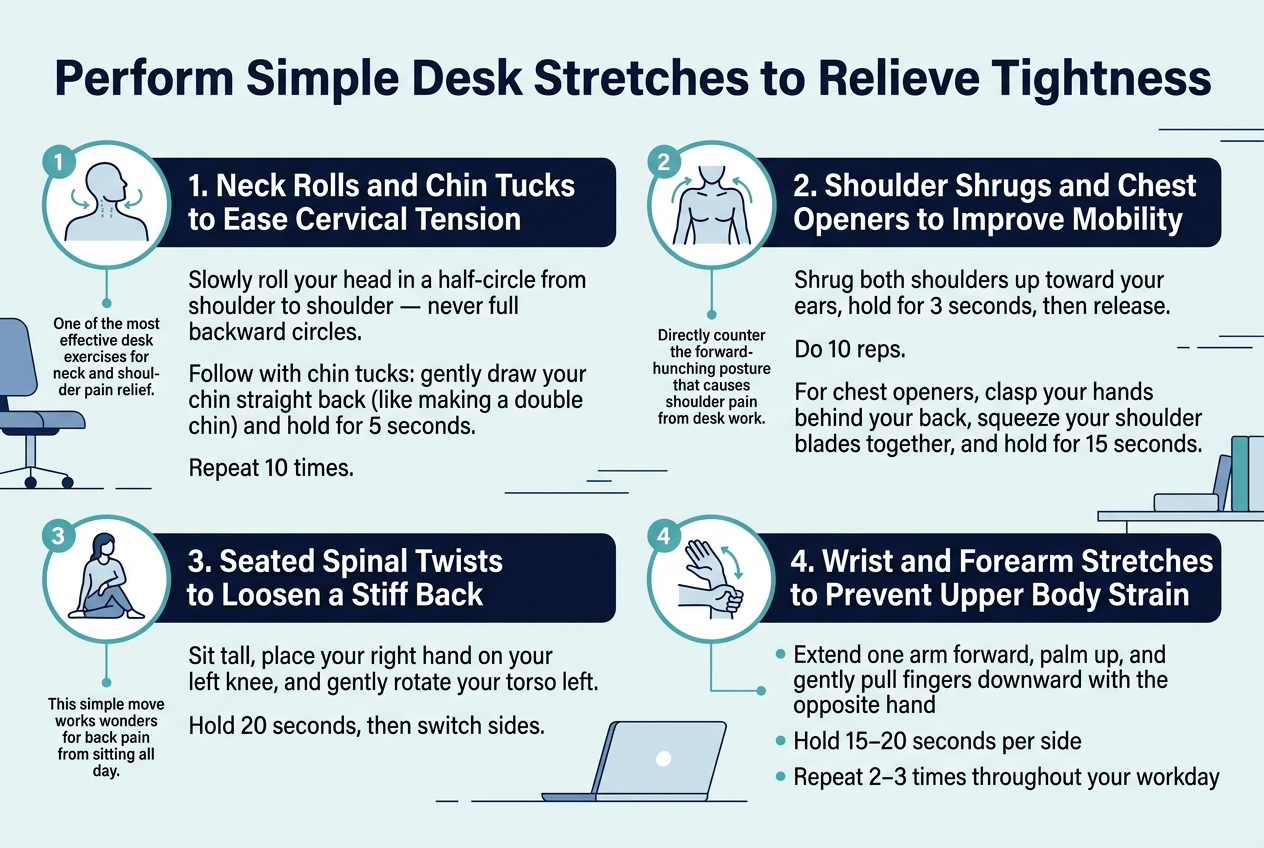
Neck Rolls and Chin Tucks to Ease Cervical Tension
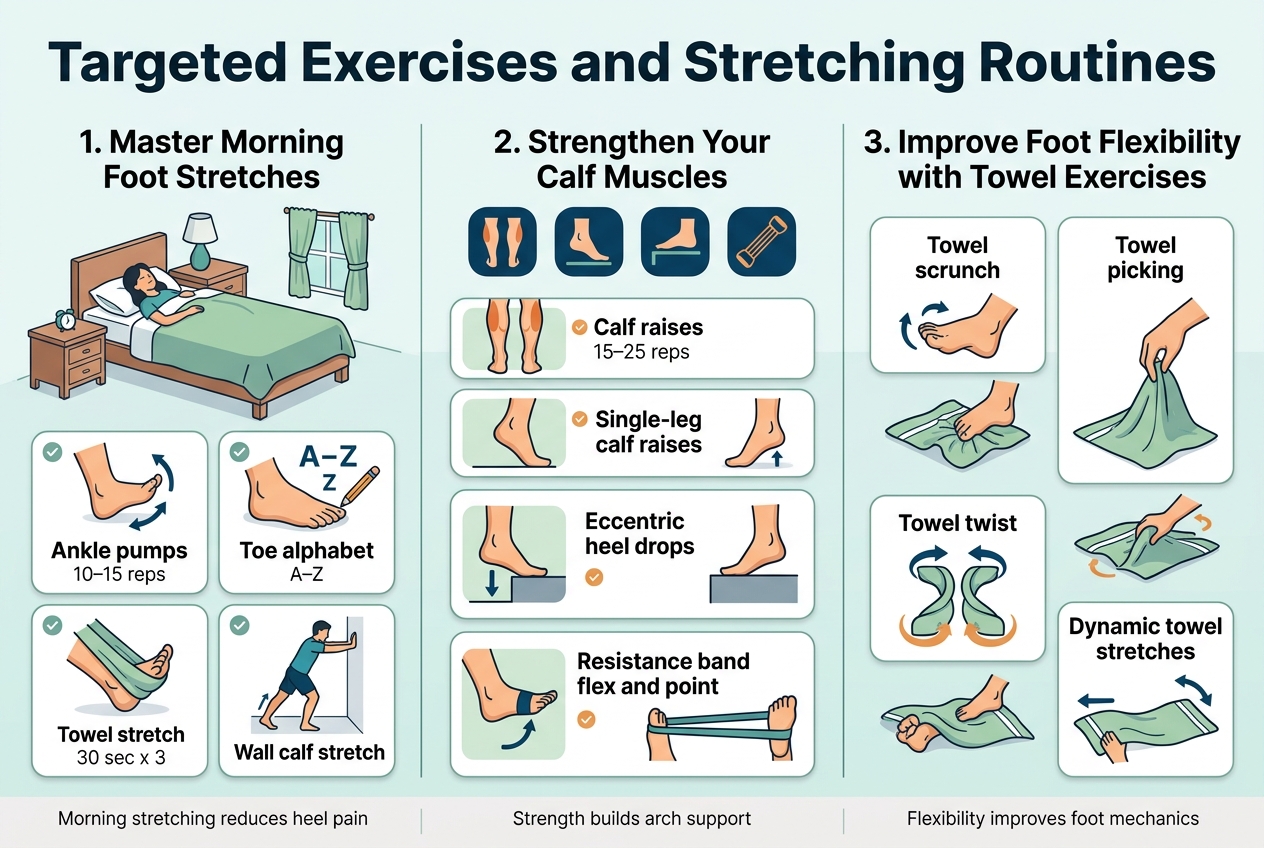
Slowly roll your head in a half-circle from shoulder to shoulder — never full backward circles. Follow this with chin tucks: gently draw your chin straight back (like making a double chin) and hold for 5 seconds. Repeat 10 times. This is one of the most effective desk exercises for neck and shoulder pain relief.
Shoulder Shrugs and Chest Openers to Improve Mobility
Shrug both shoulders up toward your ears, hold for 3 seconds, then release. Do 10 reps. For chest openers, clasp your hands behind your back, squeeze your shoulder blades together, and hold for 15 seconds. These moves directly counter the forward-hunching posture that causes shoulder pain from desk work.
Seated Spinal Twists to Loosen a Stiff Back
Sit tall, place your right hand on your left knee, and gently rotate your torso left. Hold 20 seconds, then switch sides. This simple move works wonders for back pain from sitting all day.
Wrist and Forearm Stretches to Prevent Upper Body Strain
- Extend one arm forward, palm up, and gently pull fingers downward with the opposite hand
- Hold 15–20 seconds per side
- Repeat 2–3 times throughout your workday
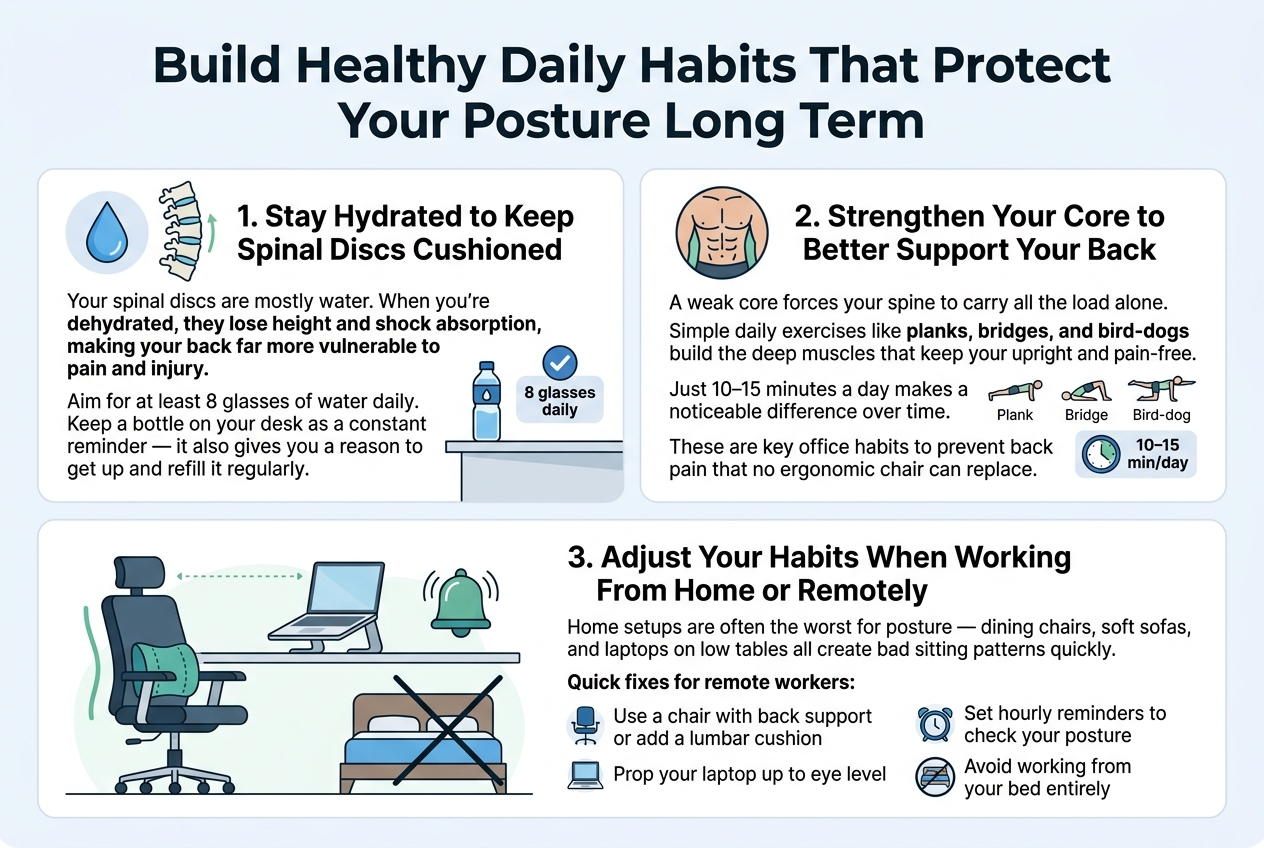
Build Healthy Daily Habits That Protect Your Posture Long Term
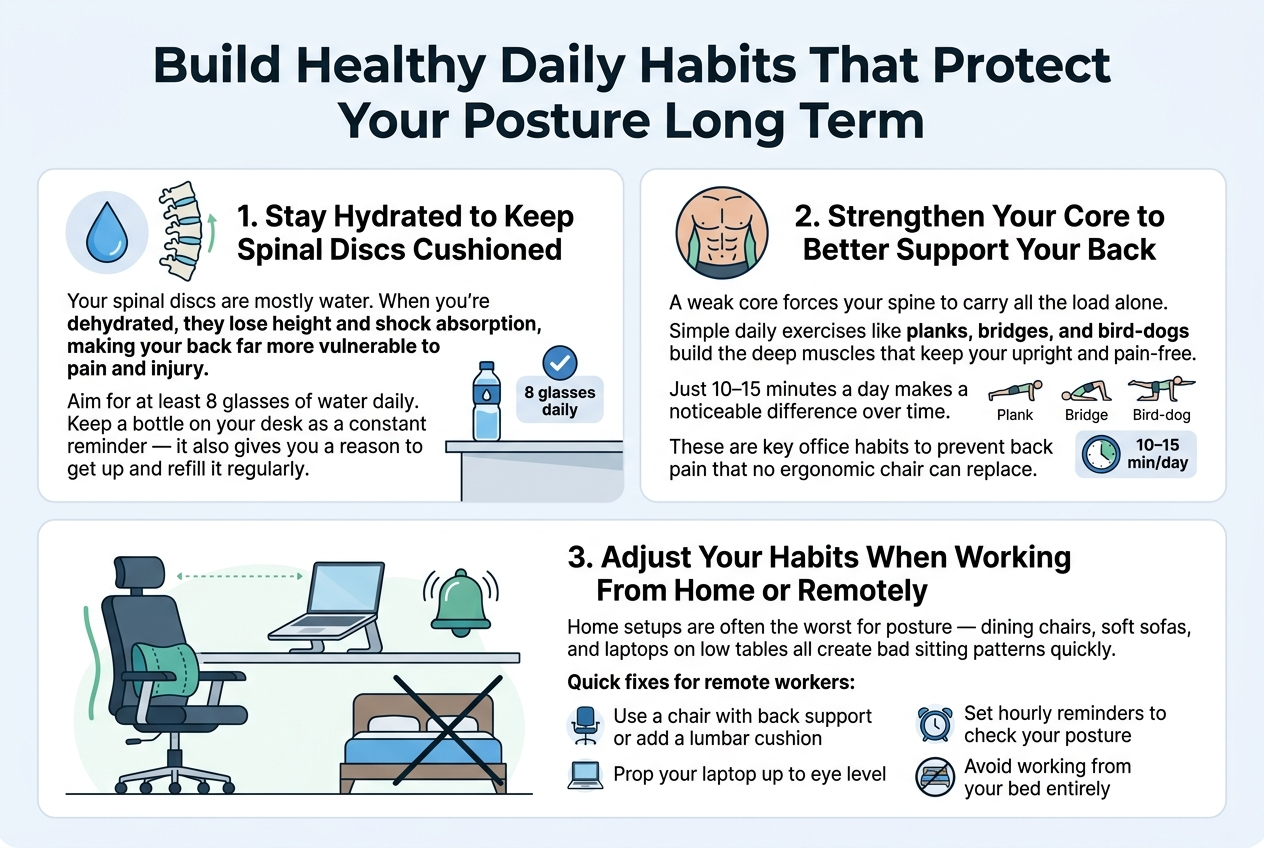
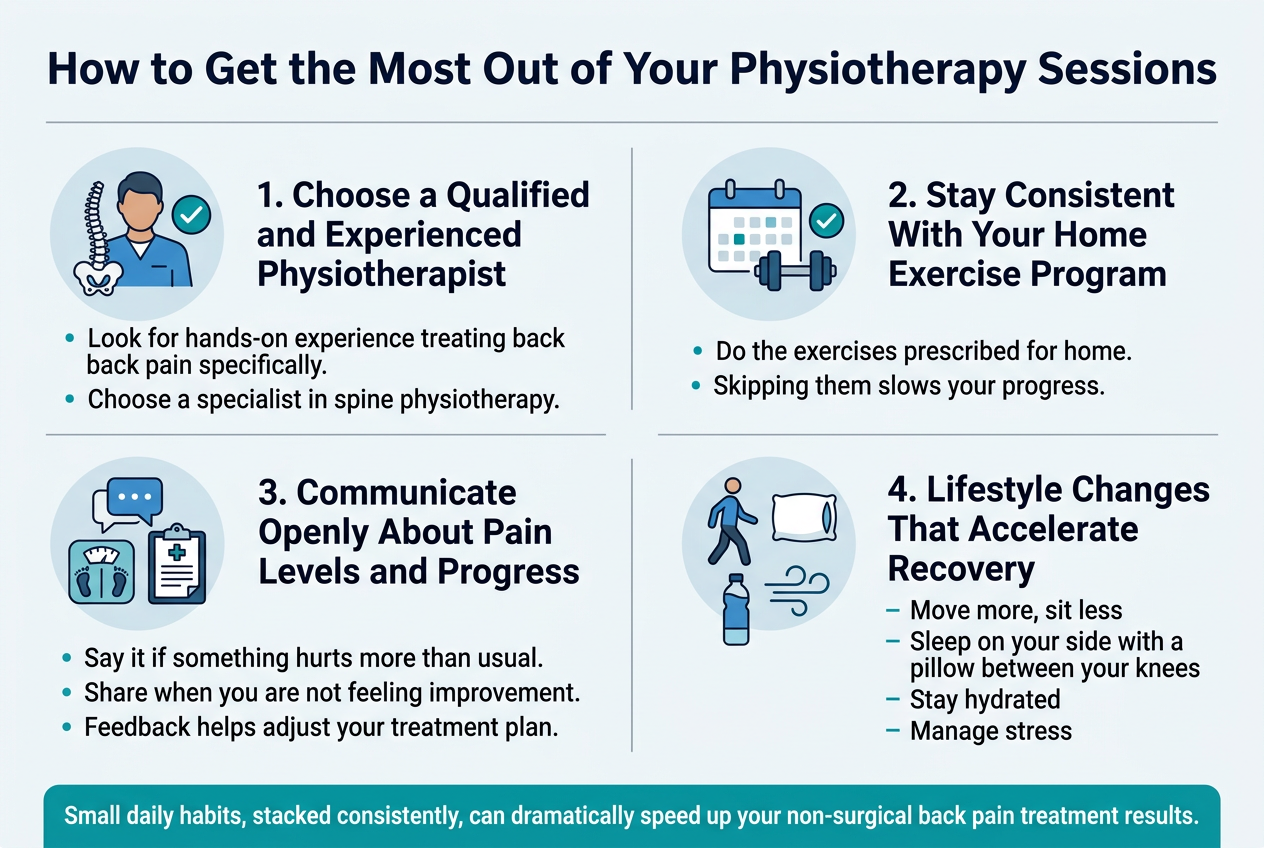
Stay Hydrated to Keep Spinal Discs Cushioned
Your spinal discs are mostly water. When you’re dehydrated, they lose height and shock absorption, making your back far more vulnerable to pain and injury. Aim for at least 8 glasses of water daily. Keep a bottle on your desk as a constant reminder — it also gives you a reason to get up and refill it regularly.
Strengthen Your Core to Better Support Your Back
A weak core forces your spine to carry all the load alone. Simple daily exercises like planks, bridges, and bird-dogs build the deep muscles that keep your back upright and pain-free. Just 10–15 minutes a day makes a noticeable difference over time. These are key office habits to prevent back pain that no ergonomic chair can replace.
Adjust Your Habits When Working From Home or Remotely
Home setups are often the worst for posture — dining chairs, soft sofas, and laptops on low tables all create bad sitting patterns quickly.
Quick fixes for remote workers:
- Use a chair with back support or add a lumbar cushion
- Prop your laptop up to eye level
- Set hourly reminders to check your posture
- Avoid working from your bed entirely
These small changes protect you just as much at home as in any office.
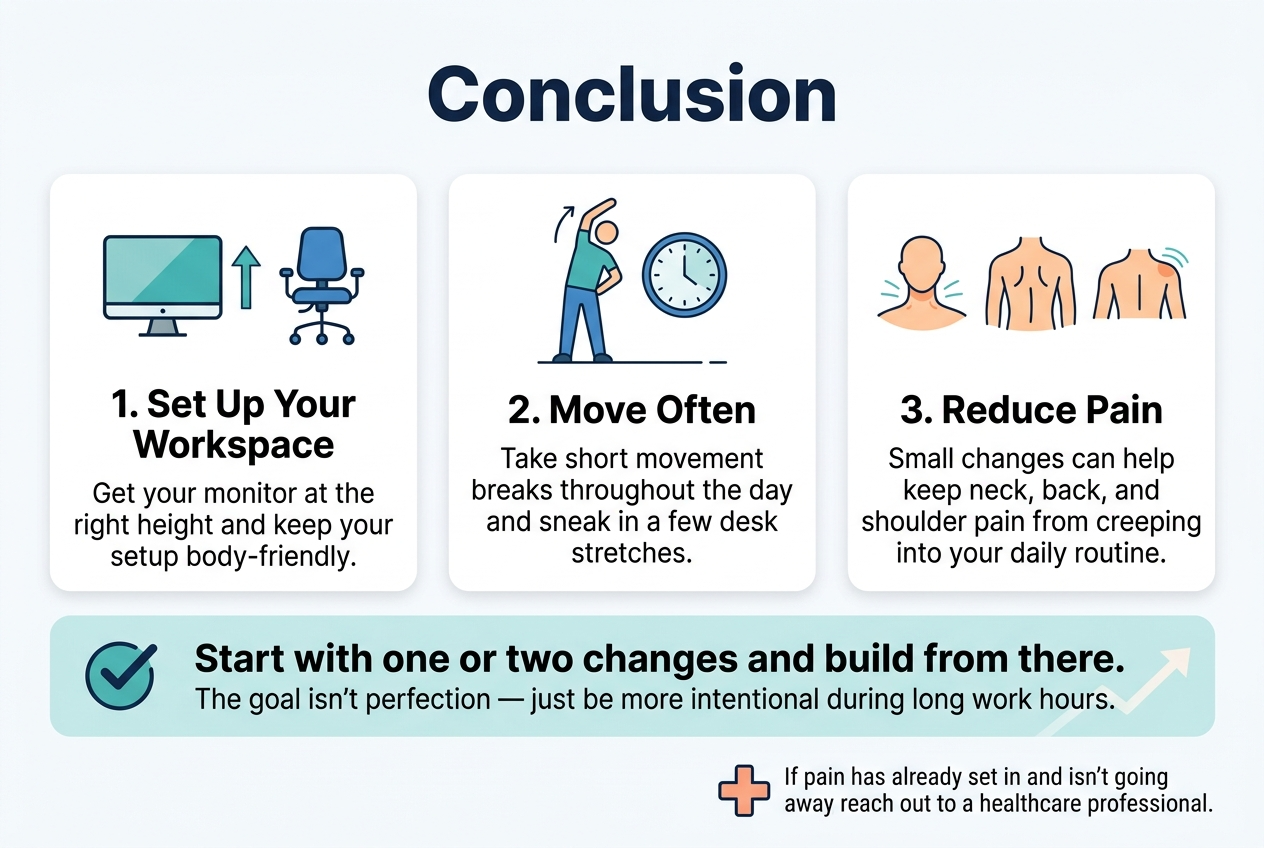
Small changes in how you set up your workspace, sit, and move throughout the day can make a massive difference in how your body feels. From getting your monitor at the right height to taking short movement breaks and sneaking in a few desk stretches, these habits work together to keep neck, back, and shoulder pain from creeping into your daily routine. The goal isn’t perfection — it’s just about being a little more intentional with how you treat your body during those long work hours.
Start with one or two changes and build from there. Your body will thank you for it, and you might be surprised at how quickly you start feeling the difference. If the pain has already set in and isn’t going away, don’t ignore it — reaching out to a healthcare professional is always a smart move.